Smallpdf Review 2026: Pros, Cons, Pricing & Who It Is For
2 9 月, 2026Introduction: What Smallpdf Does
Smallpdf is a popular browser‑based PDF solution that helps users handle routine PDF‑related tasks without installing heavy desktop software. As an all‑in‑one web‑first platform, it supports more than 30 PDF operations, including PDF conversion, compression, merging, splitting, annotation, editing, and electronic signature. It can turn PDFs into Word, Excel, PowerPoint and image formats, and also convert office files back into standard PDF documents. Equipped with OCR and lightweight AI features, it can process scanned files and extract text content. It connects smoothly with Google Drive and Dropbox for convenient cloud file import and export. Besides the web version, Smallpdf also provides desktop and mobile apps for offline work, covering daily study, remote office and freelance document‑processing scenarios across devices.
Key Advantages of Smallpdf
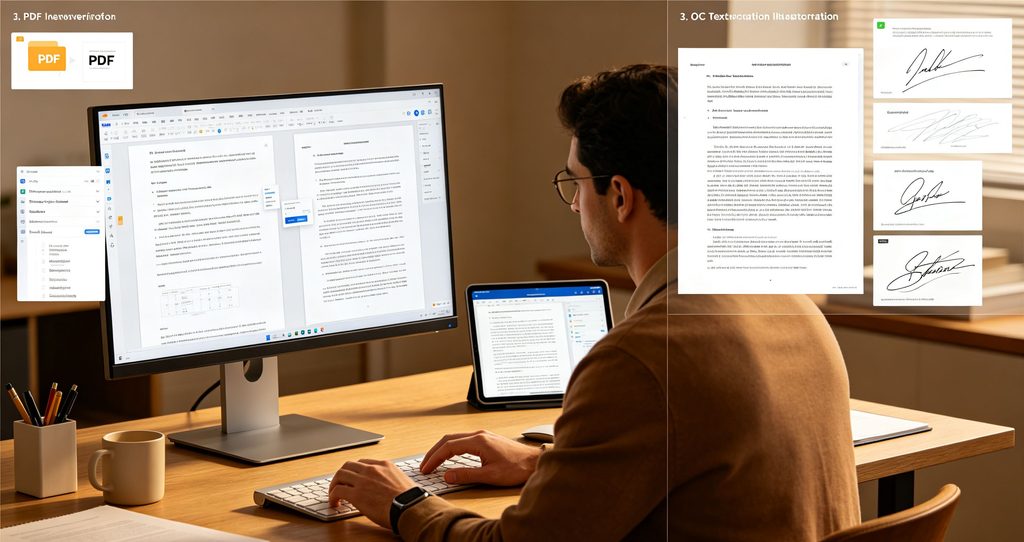
The most remarkable strength of Smallpdf is its clean, user‑friendly interface and zero‑installation experience. Users can finish PDF work directly in a web browser through simple drag‑and‑drop, with almost no learning curve. Its conversion quality is reliable; layout and font styles stay largely intact after format transformation, avoiding messy typesetting that troubles many free online PDF tools. The e‑signature function works well for signing contracts, agreements and official documents, which is very practical for remote cooperation. It supports mainstream cloud‑disk services, making it easy to import or export files without local downloading. For paid subscribers, offline desktop and mobile applications are available, so users can process documents without opening a browser. Customer service response is fast, and official documents will be automatically deleted from servers within one hour after processing to protect user privacy.
Disadvantages of Smallpdf
Smallpdf has several obvious limitations. Its free tier enforces strict usage restrictions: users can only complete two PDF tasks each day, and there are limits on file size, OCR access and advanced editing features. Output files from free usage may carry watermarks. Since most files are processed on remote cloud servers, highly confidential documents may bring potential privacy concerns for sensitive business materials, even though files get deleted afterward. Compared with professional desktop PDF software, its deep editing ability is limited; complex form creation and advanced content redaction functions are missing. Moreover, Smallpdf adopts a subscription‑only model and does not offer one‑time perpetual licenses. Monthly‑only subscriptions are relatively expensive if users refuse annual billing plans.
Pricing Plans: Free vs Paid
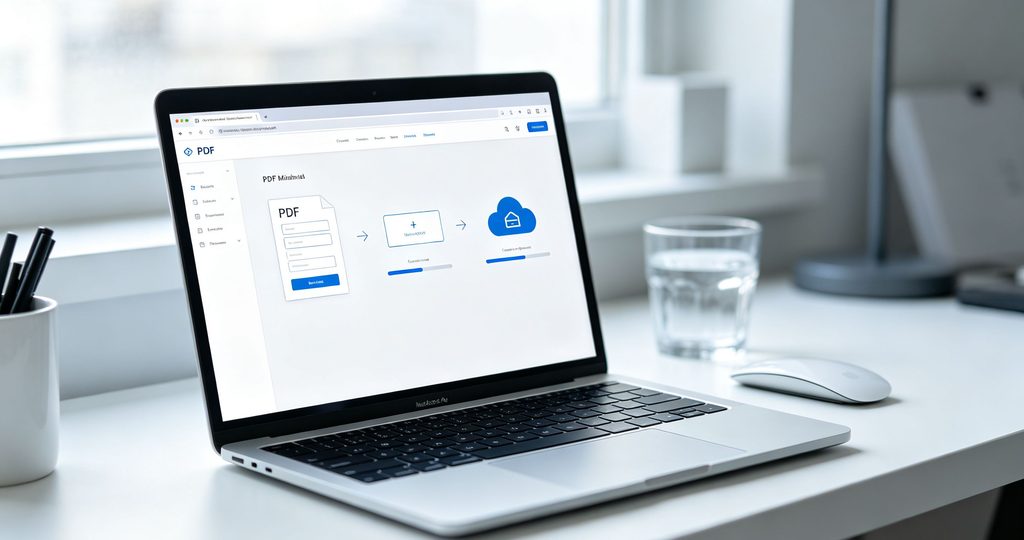
Smallpdf runs on a typical freemium subscription model. The free plan offers access to most tool modules, yet users are limited to only two processing tasks every single day. File upload size is capped, OCR, batch processing and full e‑signature functions are locked, and exported files may contain watermarks. It suits only occasional light‑weight PDF operations.
Smallpdf Pro unlocks unlimited tasks, removes watermarks, and opens OCR, batch compression, AI tools, full e‑signature, plus desktop and mobile offline applications. Billed annually, Pro costs approximately $9 per month. The month‑to‑month plan is higher at around $12‑18 per month. The Team plan costs about $7‑10 per user monthly for small groups, adding centralized billing, member management and priority technical support. All premium packages come with official customer support and regular feature updates.
Who Should Use Smallpdf
Smallpdf fits casual individual users, students, freelancers and small‑team office workers. Students can use it for occasional PDF merging, compression and format conversion for homework and reports. Freelancers and remote workers benefit a lot from its e‑signature and cloud integration when handling contracts and shared documents. It is ideal for users who dislike bulky desktop software and prefer browser‑based quick operations. However, it is not recommended for users that need heavy daily PDF processing, work with large‑volume scanned files, or handle highly confidential internal business documents. People looking for one‑time purchase licenses should also consider alternative PDF products.
Conclusion
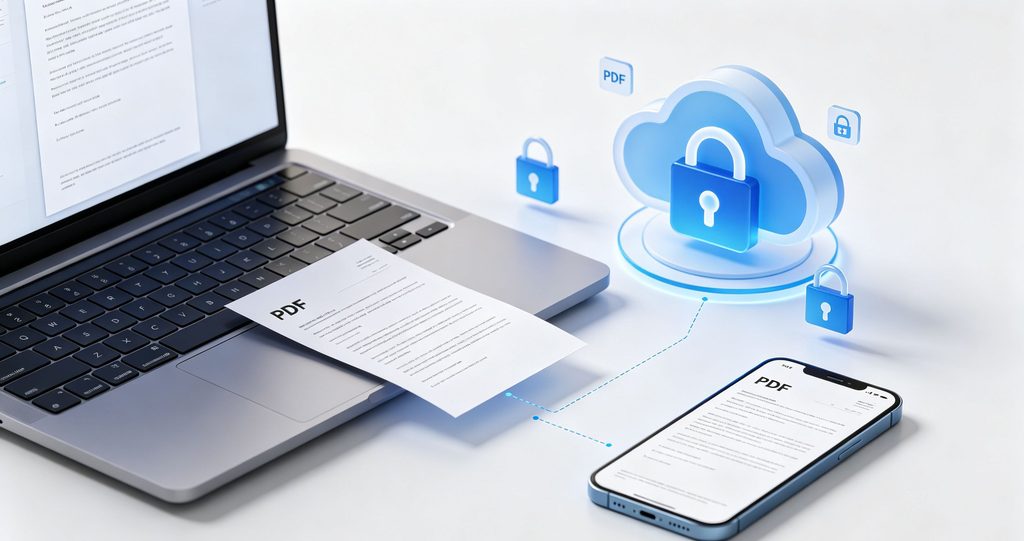
To sum up, Smallpdf is a polished, convenient web‑oriented PDF toolkit for common daily PDF jobs. Its intuitive operation, stable conversion quality and handy cloud integrations make it stand out among online PDF tools. Even though the free version has tight daily‑task limits and cloud‑processing brings minor privacy trade‑offs, its Pro subscription delivers solid value for regular users. If you mostly need quick PDF tasks in browsers and value simple workflows, Smallpdf is a worthwhile choice. For heavy‑duty professional PDF work, full‑featured desktop PDF software will still be more capable.